September 2, 2026
Ping vs Traceroute: Pick the Right Probe
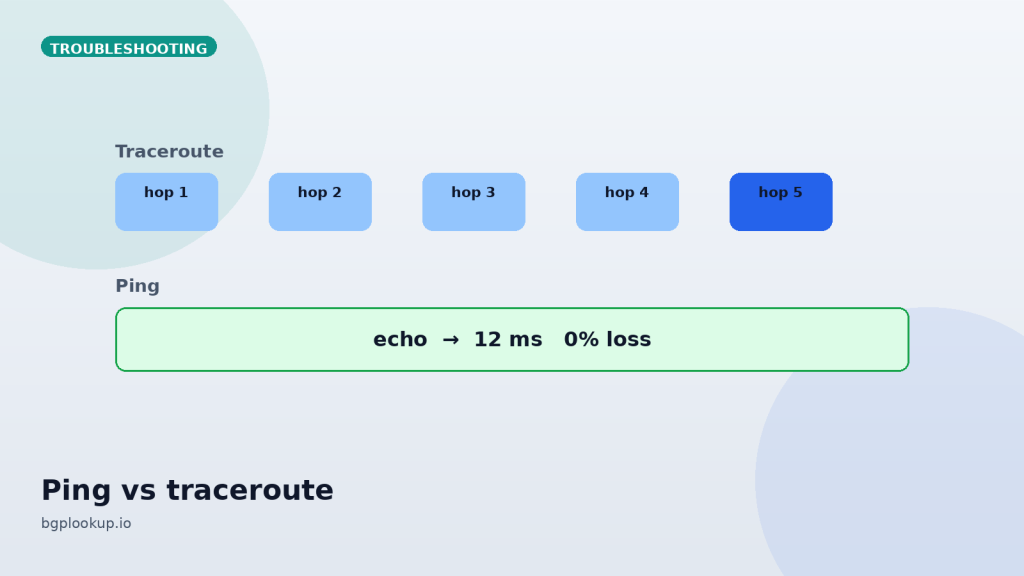
Ping answers “does this host answer, and how long did the echo take.” Traceroute answers “which hops answered on the way.” Mixing them up wastes an hour and produces confident, wrong tickets.
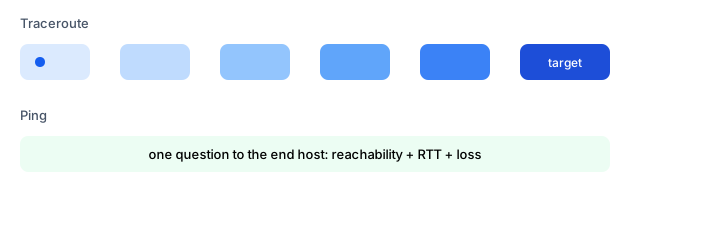
What ping is good at
Global ping from many probes tells you whether loss and latency are local to you. A host that replies in 20 ms from Frankfurt and 240 ms from São Paulo is not “down.” A host that drops 40% from every continent is.
Ping uses ICMP echo by default. Many networks rate-limit or drop ICMP. A failed ping with a working HTTPS session is common. Do not declare an outage on ICMP alone if the application answers.
What traceroute is good at
Traceroute increments TTL and waits for time-exceeded messages. Hops that do not send ICMP appear as stars. Stars are not proof of a blackhole. They often mean “this router is quiet.” A blackhole is when probes stop and the destination never answers.
Read the first hop that looks like a different ASN or country. Then look that hop up. If the path jumps to an unexpected origin, open the looking glass.
IPv4 vs IPv6
Run both. Dual-stack hosts fail in one family while the other looks fine. Happy Eyeballs hides this from users and confuses operators. A v6 traceroute that dies at an ISP border with a healthy v4 path is a v6 routing or ICMPv6 filter problem.
Quick chooser
| Symptom | Start with | Then |
|---|---|---|
| Is it up from anywhere? | Multi-probe ping | IP lookup for origin |
| Slow only from one country | Traceroute from that region | Looking glass |
| Packet loss in the middle | Traceroute + ping the last good hop | Ignore ICMP-only loss on core routers |
| Wrong website content | IP lookup + RPKI | Hijack workflow |
When you file a ticket, attach ping from two regions and a traceroute, plus the covering prefix and origin ASN. That set ends most “please reboot” loops.
IPv6 probes lie differently
Extension headers, larger minimum MTU, and ICMPv6 being required for path function mean a “broken ping6” can be a real outage even when v4 is fine. Always probe both families when the name has A and AAAA records. A looking glass that has IPv6 routes plus a traceroute6 that dies at hop 2 often points at a CPE firewall that still treats ICMPv6 as optional.
Anycast and “the server moved”
Public DNS and CDNs are anycast. Ping latency that jumps from 8 ms to 80 ms may mean you shifted PoPs, not that a rack melted. Compare origin prefix and looking-glass next hops before you relocate a container. Global ping from many cities is how you see a single sick PoP instead of blaming the application.
FAQ
FAQ
Why is hop 8 lossy but the destination is clean?
Core routers often de-prioritize ICMP generation. Destination success wins.
Should I traceroute UDP, ICMP, or TCP?
TCP to the service port follows user traffic more closely when ICMP is filtered.