September 4, 2026
Public Wi-Fi, Phones, and Laptops: Network Hygiene That Uses Real Routing Data
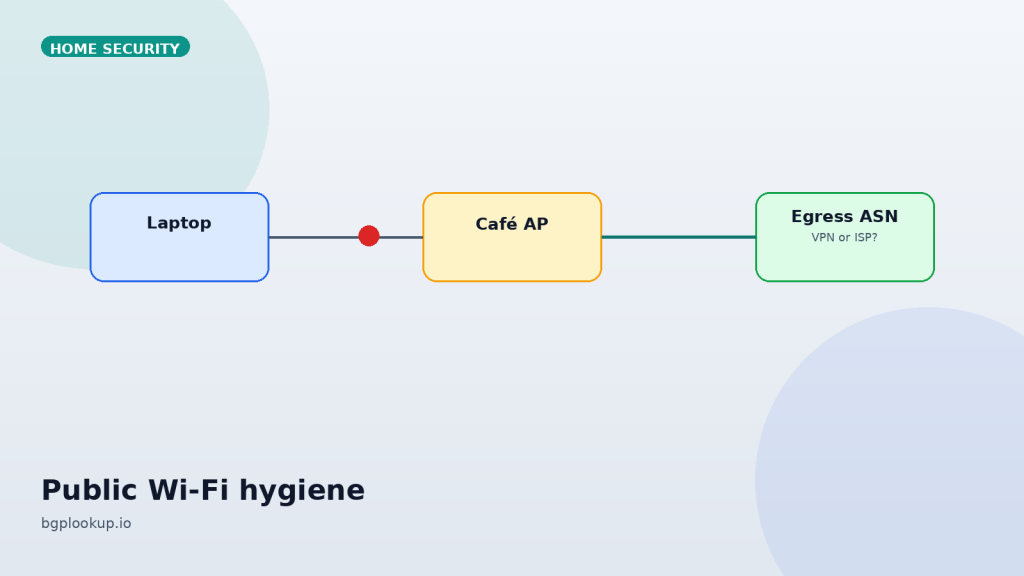
Airport SSIDs lie. Hotel “complimentary fiber” lies. The VPN icon can lie if split tunnel or an app bypass is on. The routing table does not care about icons. Look up the address your device actually presents to the world, then decide whether you should type a password on that path.
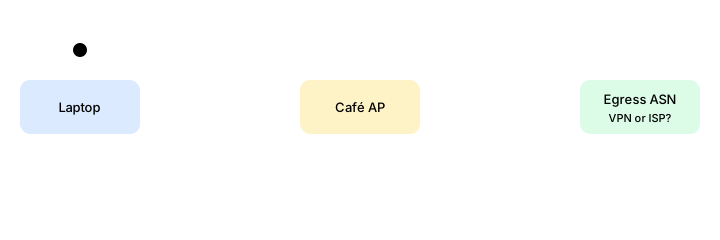
The only question that matters on untrusted radio
Who originates my packets? Everything else — “is the lock icon present,” “did I click the VPN” — is downstream of that. On a phone or laptop, open a browser to bgplookup.io and read the public IP the site sees. Then tap through to IP Lookup.
You want an origin ASN that matches:
- Your mobile carrier, if you are on LTE/5G.
- Your VPN provider’s published infrastructure, if the tunnel is up.
- The hotel or café ISP, if you chose to go naked and only browse disposable sites.
You do not want a random hosting ASN while the VPN claims to be connected, or a residential ISP in another country while you sit in an airport lounge. That is a leak or a lie.
Phones
Cellular data is usually the safer default in a strange building. The threat on café Wi-Fi is not only packet sniffing of HTTP — that era is mostly over — it is captive-portal malware, hostile DNS, local device discovery, and “free charger plus free SSID” social engineering.
Hardening that still pays off:
- Private DNS / encrypted DNS set to a resolver you looked up.
- Auto-join off for open networks. Airports clone names.
- VPN always-on for work profiles, with a kill switch if the vendor offers one.
- OS updates before travel, not on hotel Wi-Fi.
- Disable unnecessary local radios when you are not using them: extra Bluetooth accessories are an attack surface, not a personality.
After the VPN connects, look up the new public IP. If the origin ASN did not change, the tunnel is theater.
Laptops
Full-disk encryption and a browser that is not a junkyard of extensions matter more than the SSID. Still:
- Prefer the carrier phone as a hotspot over an unknown AP when you must handle money or admin.
- Turn off file sharing, AirDrop in everyone mode, and SMB on public nets.
- Do not install hotel “required security certificates.” That is a middlebox asking to mint trust.
- If the company laptop has Always-On VPN, confirm split-tunnel exceptions. Update traffic often leaves the tunnel on purpose.
Captive portals are a special kind of stupid
You must talk to an unknown HTTP page to get to the real internet. Do that in a throwaway browser profile, not the profile that holds bank cookies. Once you have an IP, leave the portal. If a portal asks for a full name, room number, and a password you use elsewhere, use cellular.
DNS leaks are still the amateur tell
A tunnel that encrypts web sockets but ships DNS to the café resolver will hand the local network a list of names you visit. Encrypted DNS to a known resolver, or DNS inside the VPN, closes that. Verify by looking up the resolver IP the same way you look up your egress IP. Two ASNs should make sense together.
When the path feels cursed
Use global ping and traceroute against a destination you trust. A hotel path that adds 400 ms and a dozen weird hops before your VPN concentrator may still be “working” while video calls die. That is a path problem, not a laptop problem. Sometimes the fix is cellular. Sometimes it is a VPN pop in a closer city. Looking glasses help only after you know the far end’s prefix.
Business travel in one paragraph
Work device, always-on VPN, no local admin, no personal file sync to the hotel machine, MFA that does not SMS if you can help it. Personal device, assume the SSID is hostile, keep mail in the browser with MFA, look up your egress ASN before you approve a push notification you did not expect.
Check egress now: see the IP this device presents, then confirm origin ASN and prefix.
FAQ
FAQ
Is public Wi-Fi always unsafe?
It is untrusted. TLS plus a known resolver plus no inbound sharing makes it usable for low-stakes browsing. It is a poor place to enroll a new device or accept a new VPN profile.
Do I need a VPN on cellular?
For privacy from the carrier and the sites that geo-fence you, sometimes. For café-style threats, cellular already removed the hostile LAN.
Why does geo say I am in another city on the VPN?
Anycast and coarse databases. Trust the ASN first, the city last.