September 3, 2026
DNS Security for Homes and Offices: DNSSEC, DoH, and Resolver Choice
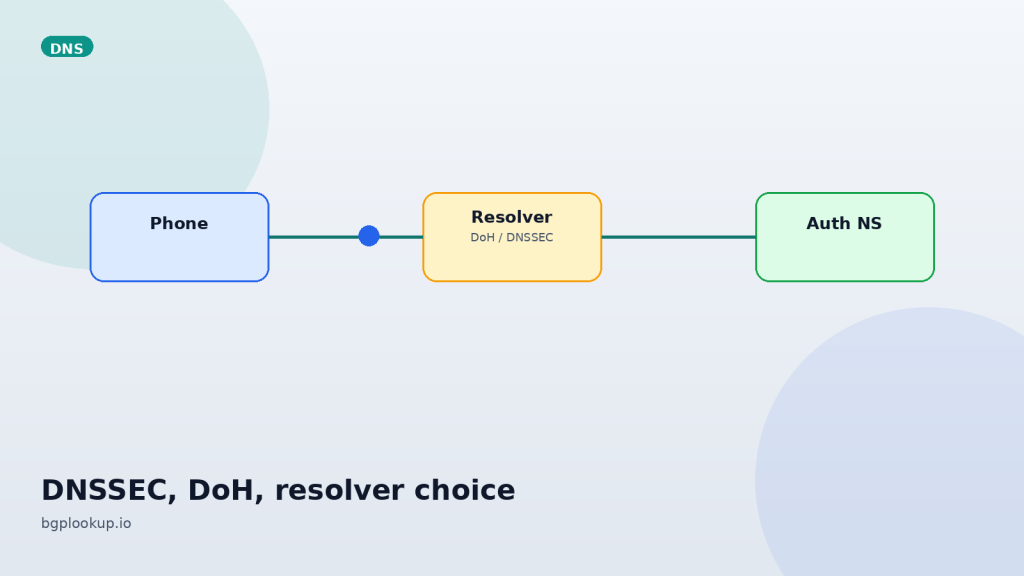
TLS can be perfect and you can still land on the wrong server. DNS is the map. If someone redraws the map, the lock icon still lights up — just on their page. Homes and small offices treat DNS as a background utility. Attackers treat it as the cheapest control plane on the network.
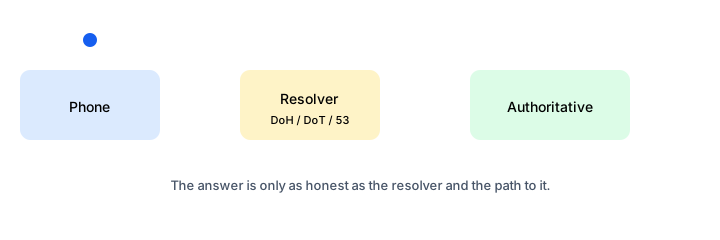
Three different problems people mash into “secure DNS”
| Problem | What actually helps |
|---|---|
| Someone on the café Wi-Fi rewrites your query | DoH or DoT to a resolver you chose |
| The zone itself is poisoned or a registrar record is wrong | DNSSEC validation on the resolver |
| The resolver is honest but belongs to a network you do not want | Look up its IP, ASN, and prefix before you trust it |
DoH without DNSSEC is a private conversation with whoever you called. DNSSEC without transport encryption is an authentic answer that a path can still watch. You usually want both, plus a resolver whose operator you can name.
How home DNS actually gets hijacked
The boring versions are more common than cinema:
- The ISP’s DHCP hands out its own cache, which injects search pages for NXDOMAIN.
- A “free VPN” or cleaner app sets Private DNS to a resolver in a country you did not pick.
- Compromise of the home gateway changes LAN DHCP DNS to a box in a hosting ASN.
- A guest device runs a rogue DHCP server. Cheap consumer LAN has no DHCP snooping.
None of these need to break websites. They only need to steal one password reset a year.
Pick a resolver like you pick a bank
Ask four questions. Who operates it? Where are the anycast PoPs? Do they validate DNSSEC? What do they log?
Then stop taking the marketing page as proof. Resolve the resolver. Paste 1.1.1.1, 8.8.8.8, 9.9.9.9, or your recursive server’s address into IP Lookup. You want:
- Origin ASN matching the operator you think you chose.
- A prefix that looks like infrastructure, not a random residential /24.
- Consistency between IPv4 and IPv6 resolvers from the same vendor.
If a “privacy DNS” originates from a bulletproof host or a mismatched country, believe the routing table.
DNSSEC, without the folklore
DNSSEC signs zone data. A validating resolver checks the chain to a trust anchor. If the signature is missing or wrong, the resolver should return SERVFAIL, not a lucky guess. That is how you stop certain cache-poisoning and some registrar-adjacent lies.
It does not hide queries. It does not fix a phishing domain that was registered yesterday and signed correctly. Signed garbage is still garbage. What it stops is “this well-known name suddenly points somewhere else without the zone owner’s key.”
On a home network, you rarely run a validator yourself. You choose a resolver that does, and you confirm failure behavior: a known-bad DNSSEC name should fail closed.
DoH and DoT on phones, browsers, and routers
Phones: Android Private DNS (usually DoT) and iOS encrypted DNS profiles override the LAN. That is the right default on public Wi-Fi. It is also how a child profile or an MDM can force a filter. Know which profile is installed.
Browsers: DoH inside Chrome or Firefox can bypass the office recursive resolver. That breaks split-horizon intranet names and some data-loss tooling. Enterprises should pin DoH policy. Homes can leave browser DoH on if the router is untrusted.
Routers: encrypted DNS on the gateway covers IoT that will never speak DoH. That is the highest-leverage place in a house. Confirm the firmware talks to the operator you intended, not a vendor proxy you cannot name.
Office specifics
Run your own recursive resolvers or buy a filtering recursive service with a contract, logs you can subpoena, and DNSSEC validation. Forwarding every desktop to a consumer anycast is simple until legal asks who resolved a malware domain at 02:13.
Split DNS belongs in the resolver, not in each laptop’s hosts file. If you use DoH at the edge, publish the same internal zones through that service or accept that intranet names will fail.
When an incident mentions “we reached the attacker’s C2,” look up that C2 address and the resolver that handed it out. BGP Lookup and WHOIS/RDAP tell you whether you are looking at a bulletproof ASN, a hijacked prefix, or a compromised cloud tenant.
A verification drill that takes five minutes
- Note the DNS servers on phone, laptop, and router. They should match policy, not folklore.
- Look up each resolver IP. Origin ASN should be the vendor or your company.
- Ping the resolver from more than one region if it is anycast. Loss in one city is a PoP problem, not “DNS is down.”
- Traceroute only if latency is odd. Many resolvers deprioritize ICMP. High ping with fast queries is normal.
See who answers you: look up your resolver on IP Lookup, then confirm the prefix and ASN still belong to that operator.
FAQ
FAQ
Is the ISP resolver unsafe by definition?
No. Many are fine. The issue is lock-in, NXDOMAIN rewriting, and weaker incentives to validate DNSSEC. Measure, do not mythologize.
Does DoH stop my employer seeing names?
It stops passive observers on the path to the resolver. The destination IPs, SNI in older stacks, and the resolver operator can still see a lot. Policy beats hope.
Should small offices run BIND or Unbound?
Yes if someone will patch it. A neglected recursive server is worse than a well-run public validator.